
Hotel Guest Satisfaction Survey: The Complete Guide
Build a hotel guest satisfaction survey that gets answers: timing, channels, length, scoring, and how to act on results. Free plan available.
Published on
October 27, 2026
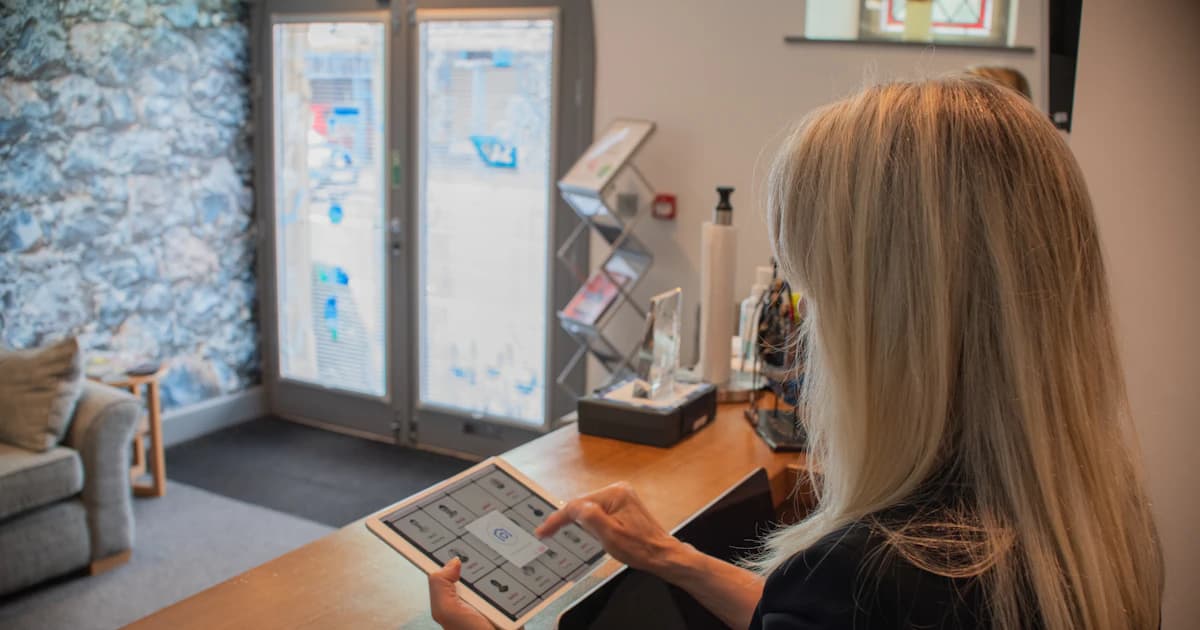
A guest checks out of room 14, gives the survey a 4 out of 10 and writes "heating never worked." If that answer lands in a dashboard nobody opens until the end of the month, you might as well not have sent the survey. Most hotel guest satisfaction survey advice stops at the list of questions. But questions are the easy part. A survey only changes something when the rest is settled: when it goes out, on which channel, who reads the answers, who phones the guest who scored a 4, and where that conversation is recorded.
What follows is the full setup for an independent hotel, from choosing a metric to plugging the survey into your PMS. If you're after the question bank itself, it has its own article, linked further down.
Surveys pick up what reviews miss
People write a review on Google or Booking because they loved the stay or hated it, and often several days later. A survey goes to every guest, privately, with the same questions each time. That's how you hear from the quiet majority: the couple who slept well, found breakfast average and left without saying a word to reception.
The second difference matters more day to day. Survey answers can be compared. Same question, same scale, month after month, so you can split them by room type, by season, even by which team was on shift. A review will never tell you whether housekeeping improved in March.
Take a 22-room hotel. At the desk, guests say "breakfast was fine." In the survey, "breakfast variety" comes out as the lowest score three months in a row. Nobody complained, and something was still wrong.
So surveys fix operations inside the hotel, and reviews build your reputation outside it. For the public side, read our review management guide and the article on Google and Booking reviews. A survey answer is also just another piece of information about the guest, and keeping those in one place is what a CRM does. Our hotel CRM guide shows how it fits together.
Pick the metric first: NPS, CSAT or CES

Hoteliers mix up these three acronyms all the time. Choose one before you write any questions.
| Metric | Question wording | Scale | Best used for | Main weakness |
|---|---|---|---|---|
| NPS | "How likely are you to recommend us to a friend or colleague?" | 0 to 10 | Overall trend and routing unhappy guests | Says nothing about why |
| CSAT | "How satisfied were you with [check-in, room, breakfast]?" | 1 to 5 | Specific touchpoints | Scores cluster at 4 and 5 |
| CES | "How easy was it to [check in, change your booking]?" | 1 to 5 or 1 to 7 | Check-in and booking changes | Rarely meaningful elsewhere in a stay |
With NPS, guests who answer 9 or 10 count as promoters, 7 or 8 as passives, and 0 to 6 as detractors. Your score is the percentage of promoters minus the percentage of detractors. It gives you a good trend line. It also works as a trigger, because a detractor answer can send an alert straight to the manager.
CSAT is for specifics like arrival, the room, breakfast and the team. CES is rarely worth it in a hotel. Use it for check-in friction or booking changes and leave it out everywhere else.
For an independent hotel, we recommend one NPS question, three to five CSAT touchpoints and one open comment. Running three scoring systems at once confuses guests and makes your averages meaningless.
Don't compare your NPS to a figure a chain publishes. The scale is the same, but you don't know their sample, their timing or how they collected answers, so the gap tells you nothing. Treat any outside benchmark as industry-typical at best and follow your own trend.
Timing: send the survey within a day of checkout
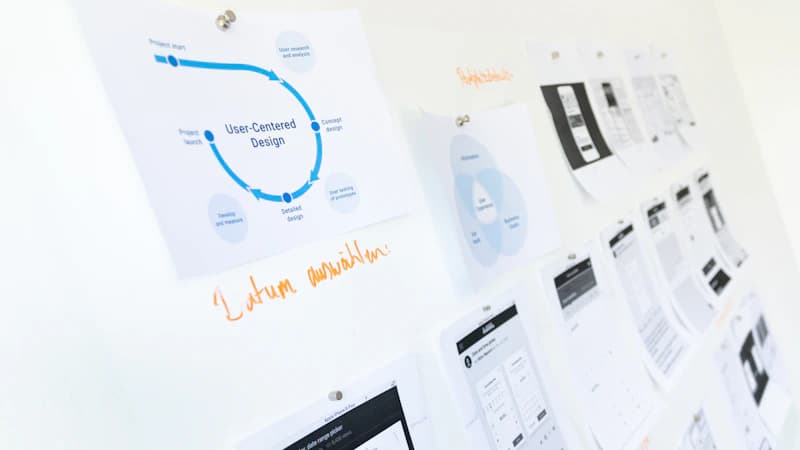
The industry-typical practice is to send within 24 hours of checkout, while the stay is still fresh. If you wait a week, guests remember less and reply less.
Within that window, the morning after checkout often does better than the moment the guest walks out. By then they're home, not in a taxi or on a station platform. Try both on your own guests and keep whichever gets more replies.
For stays of two nights or more, add a check during the stay. On day 2, send a one-question SMS or WhatsApp: "Is everything fine with your room?" Your team can fix a noisy radiator while the guest is still in the building, which no post-stay survey can do.
Some sends should never go out:
- No-shows. Obvious, yet plenty of automated setups survey them anyway.
- Guests who already complained and were looked after in person. Either skip them or flag them so the message acknowledges what happened.
- Guests who are getting a promotional email from you the same week. Send one message at a time.
Email, SMS or WhatsApp: matching the channel to the guest
Email is the right home for a longer survey, and it works well for leisure guests who booked direct. Its problem is a crowded inbox. On top of that, the masked relay addresses from Booking and Expedia don't always deliver properly or accept replies.
SMS gets read. Keep it to one to three questions, and you need the guest's mobile number before they leave. WhatsApp works well with international guests and in countries where it's the default messaging app. Check the opt-in and message template rules before you build anything on it.
| Guest type | Best first channel | Fallback |
|---|---|---|
| Domestic leisure | Email or SMS | The other one |
| International leisure | ||
| Business traveller | Email (short form) | SMS |
| Group | Email to the organiser, plus a link at the desk | SMS |
| OTA booker | SMS or WhatsApp if the number was collected | Relay email |
It all depends on contact data. Collect the phone number and a real email address before arrival, so you can still reach the guest after checkout. A pre-stay form handles this, and that's what our forms are for. Then send everything from one tool. Running email, SMS and WhatsApp from one place beats three separate senders, each with its own guest list and its own unsubscribes.
Keep it under two minutes: a survey structure that holds up
A structure that works: one NPS question, four or five touchpoint ratings (arrival, room cleanliness, comfort, breakfast or F&B, staff), one open question, and an optional consent to be contacted.
Put NPS first, while the guest is still paying attention, and the open comment last, as an optional field. Use one scale from start to finish, because mixing 1-5, 1-10 and stars confuses guests and distorts your averages.
The wording of the open question decides what you get back. "What is one thing we could have done better?" gets real answers. "Any comments?" gets nothing. Most guests will answer on a phone, so test the form on a small screen and show one question per screen when you can.
Here's a short version for a 30-room independent hotel:
- How likely are you to recommend [Hotel name] to a friend or colleague? (0 to 10)
- How was your arrival and check-in? (1 to 5)
- How clean was your room? (1 to 5)
- How comfortable was your room? (1 to 5)
- How was breakfast? (1 to 5)
- How helpful was our team? (1 to 5)
- What is one thing we could have done better? (optional, free text)
- May our manager contact you about your answers? (yes or no)
That's eight items, answered in under two minutes. For the full question bank with templates to copy, see the survey questions article. For a shorter introduction to the method, read the hotel guest satisfaction survey overview.
How to raise your response rate without bribing guests
Response rates vary a lot with the property, the channel and how clean your contact list is. Benchmarks found elsewhere won't tell you much. Measure your own starting rate and compare month by month.
What usually helps:
- Explain why you're asking. One line saying the manager reads every answer and acts on it, with that person's name.
- Send from a person. The hotel or the GM, never "noreply."
- Send one reminder. Three days later, only to guests who haven't answered. After that, stop.
- Put the first question in the email. Let the guest click a score from 0 to 10 straight from the email, so they're already halfway through when the form opens.
- Keep any reward small and honest. A drink on the next stay is fine, as long as it never depends on a good score.
A reward tied to a good rating is a bribe, and it makes your data worthless. Reward guests for answering, never for what they answer.
Read the scores by segment, not just the average

An average of 8.7 hides everything. Split results by room type, purpose of stay, length of stay, booking source (direct or OTA) and season. The useful findings are in the gaps between segments.
Tag every open comment with a theme: cleanliness, noise, breakfast, staff, check-in, value. A spreadsheet works, and so does the CRM. Then count the mentions each month. If you get only a few dozen answers a month, a swing in one month means little, so look at the trend over three months.
Say the noise complaints all come from the rooms facing the street. That's a pricing or room allocation problem, not a training problem: stop giving those rooms to light sleepers, or price them lower.
Look at what promoters and detractors write, not just how they score. Promoters usually name what you should protect, and detractors name what to fix. Once a quarter, go through the three weakest touchpoints with the team and give each one an owner. If nobody owns a result, it just stays a chart.
What happens when a guest scores low
Every guest gets the survey. You don't filter or sort guests before asking, whatever you think of their stay. What changes with a low score is what happens next:
- A detractor score (0 to 6) immediately sends an internal alert to the duty manager by email or SMS, with the guest's name, room, stay dates and comment.
- The manager calls the guest within a set time, for example the same working day.
- The call stays simple: thank the guest, listen, apologise without excuses, and offer a concrete fix or gesture.
- The outcome goes on the guest profile, so whoever handles the next stay knows what happened.
The invitation to leave a public review goes out alongside, to every guest, whatever they scored, as Google's rules require. The manager alert comes on top of that invitation and never replaces it. Our article on Google and Booking reviews covers the rules in detail.
Don't send unhappy guests an automatic voucher. It looks like you're paying for their silence, and guests notice. A real call from a real person counts for more than a discount code.
Turn answers into changes the guest can see
Show guests their answers led somewhere. A short "you said, we did" note, or one line in the next pre-arrival email, is enough for a returning guest to see they were heard.
Sort fixes by cost and start with the cheap ones:
- Free: a team briefing, clearer signage, a rearranged breakfast buffet.
- Low cost: extra pillows, a better kettle, a hairdryer that actually works.
- Capex: soundproofing, new mattresses, a renovated bathroom.
Survey results also help sell. Promoters are good candidates for a direct-booking offer or a loyalty perk, using loyalty and upselling tools. And a weak score can turn into something you sell. If breakfast keeps scoring low because it ends at 10:00, add a late breakfast and offer it as a paid extra before arrival.
Each quarter, pick one change and watch whether that touchpoint's score moves. If it doesn't, the fix was wrong, and that's useful to know too.
Connect the survey to your PMS and guest profile
When the survey runs in a separate tool, someone has to copy names and stay dates across by hand, and in a busy week nobody does. Connect it to your PMS so checkout sends the survey automatically.
The data you need from the PMS: guest name, email, phone, language, room, stay dates, booking source and rate plan. Without those fields you can't split results or route alerts. TriggerFlow connects to Mews, Opera Cloud, Medialog, Thais and Misterbooking. The Mews integration page shows how the sync works.
Send the survey in the guest's language as recorded on their profile, not in the hotel's default language. Ask a German guest to fill in a French form and you'll usually get no answer.
GDPR checklist for EU hotels, to go over with your DPO (this isn't legal advice):
- Legal basis: legitimate interest or consent, documented.
- An easy way to unsubscribe in every message.
- A set retention period for answers and comments.
- A clear statement of who reads the data.
For how this data fits with everything else you hold on guests, see the hotel CRM guide and the CRM module.
Running guest surveys with TriggerFlow
In TriggerFlow, checkout in your PMS triggers the post-stay survey (NPS plus touchpoint ratings). A low score alerts the manager, and every guest gets the review invitation, with no filtering. All of this runs on the reviews and forms modules.
300+ hotels use TriggerFlow, and it holds an average rating of 5/5 (3 Google reviews).
Pricing is public, in euros per month:
| Plan | Price per month |
|---|---|
| Discovery | 0 € (free plan) |
| Communication | 69 € (99 € from 1 January 2027) |
| Conversion | 149 € (179 € from 1 January 2027) |
| All Inclusive | 249 € (299 € from 1 January 2027) |
Everything else is on the pricing page. There's no install fee and no minimum number of rooms. TriggerFlow connects to the PMS you already use without tying you to any vendor, and it's an independent European company.
To watch the whole process run on your own setup, book a demo.
Stay informed
Receive our latest articles and tips directly in your inbox
Frequently asked questions
What is a guest satisfaction survey in a hotel?
It's a short questionnaire sent to guests after their stay, or during it, to score the experience and collect comments. Unlike a public review, it comes back to the hotel privately, so the team can fix problems and follow scores over time.
When should a hotel send a guest satisfaction survey?
Within about 24 hours of checkout, which is the industry-typical window while memories are fresh. On stays of two nights or more, a one-question message during the stay lets you fix problems before the guest leaves.
How many questions should a hotel survey have?
Six to eight questions, answered in under two minutes: one NPS question, four or five touchpoint ratings and one open comment. Longer surveys lose guests halfway through.
Should we only send the review link to happy guests?
No. Every guest gets the invitation, whatever their score, because filtering who receives the Google link breaks Google's policy. A low score should also alert a manager, who then calls the guest.
NPS or CSAT: which is better for a small hotel?
Both, in the same short survey: one NPS question for the overall trend and CSAT ratings for specific touchpoints. Don't add a third scoring method.
Can a free tool run hotel guest surveys?
Yes, to get started. TriggerFlow's Discovery plan is free (0 € per month), and paid plans start at 69 € per month (99 € from 1 January 2027). The pricing page lists what each plan includes.
Ready to automate your guest communication?
Book a demo